Can Faxes Be Intercepted? How Fax Security Works
Understand how fax security works, how Fax.Plus protects your documents, and which safeguards matter from upload to delivery.


- Protection starts with the app and stored files. Fax.Plus uses TLS for app-to-server connections and AES-256 encryption with a unique key per user for stored documents.
- Security controls are documented. Alohi's Trust Center explains restricted staff access, security testing, and the assurance reports available for review.
- Secure handling matters at both ends. Verify recipients, enable two-factor authentication, limit document access, and arrange secure receipt.
- HIPAA workflows have a defined setup. Use Enterprise with a signed BAA and Advanced Security Controls; HIPAA email-to-fax uses the dedicated @tls.fax.plus address.
Fax interception is possible, but security depends on how a fax is transmitted and handled. Fax.Plus protects connections between its applications and servers with TLS and encrypts stored documents with AES-256, using a unique key for each user. Standard telephone fax transmission is not end-to-end encrypted. Understanding these different stages helps you choose the right safeguards for your documents.
How Fax.Plus protects your documents
Fax.Plus combines encryption with controls over who can access customer content. Alohi's Trust Center documents the following safeguards:
- Encrypted application connections. Traffic between Alohi's applications and servers uses TLS 1.2 or higher.
- Encrypted file storage. Stored faxes use AES-256 encryption with a unique key per user. Encryption keys are kept separately from the encrypted data.
- Restricted staff access. Authorized engineering and support personnel may access fax content for documented customer requests or incident response. Access is time-limited, logged, and reviewed.
- Ongoing security testing. Alohi conducts recurring independent penetration tests and continuous internal vulnerability scanning.
These measures protect application traffic, stored documents, and access to the service. They work alongside the transmission and document-handling practices described below.
How a fax travels
An outgoing fax sent through a Fax.Plus app typically follows two stages:
- Your device to Fax.Plus. You upload the document through an encrypted connection. The service stores it and prepares it for sending.
- Fax.Plus to the recipient. The service dials the recipient's fax number through a telecom carrier. The destination may be a fax machine or another fax service.
The carrier's telephone connection is separate from the encrypted connection to the app. Intercepting a fax on that part of the route would require access to the transmission, for example through a tapped line or compromised telecom infrastructure. This is a characteristic of standard telephone faxing, including traditional fax machines.
Access to a stolen account or an unattended printout is a different issue. Securing the accounts and devices at each end helps protect documents before sending and after delivery.
Practical steps for secure faxing
- Verify the recipient's number before sending sensitive documents.
- Protect your account with a unique password and two-factor authentication.
- Limit document access to the people who need it, including access to any mailbox used for email-to-fax.
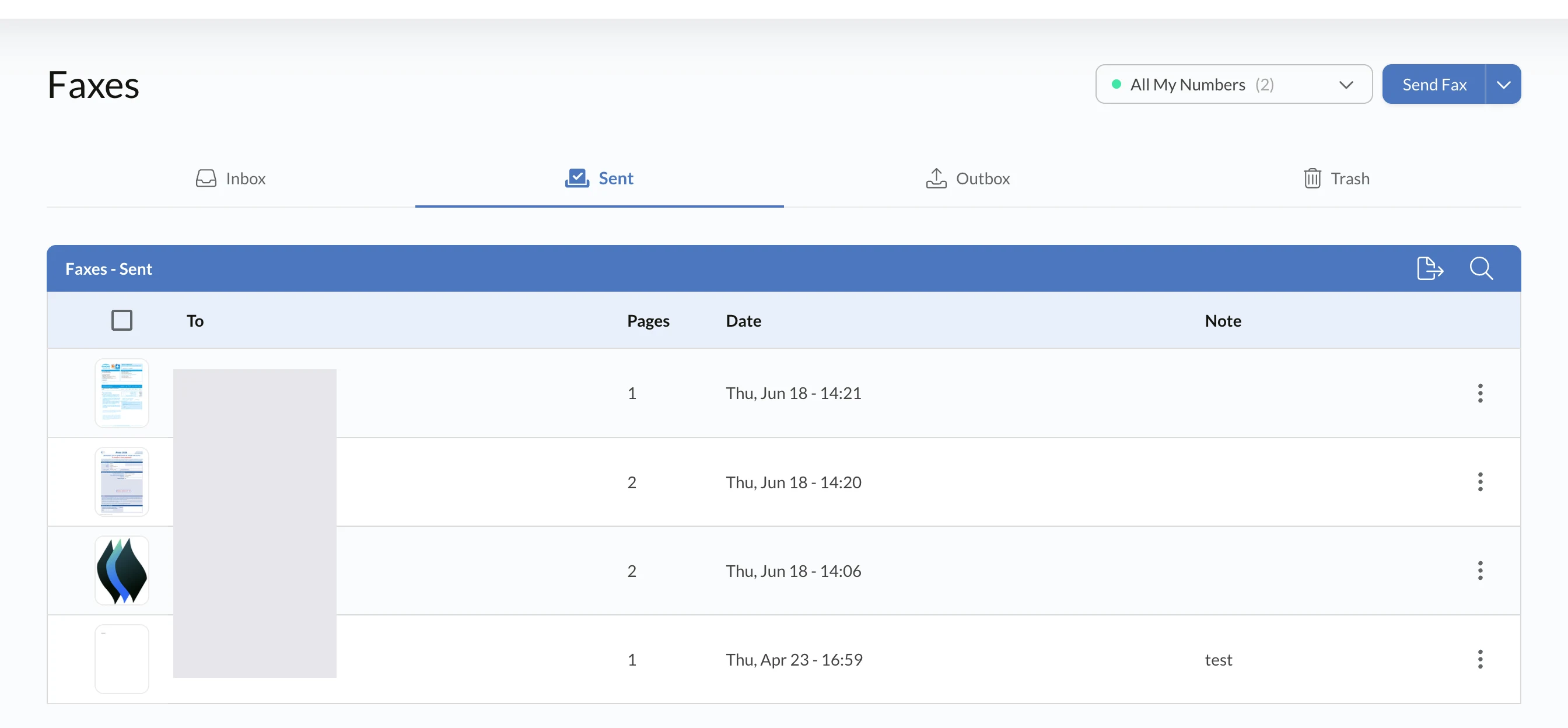
- Check delivery records for the destination, time, and transmission status.
- Arrange secure receipt so sensitive pages are collected promptly or delivered to an appropriately restricted inbox.
These steps help prevent misdelivery and unauthorized access. For more guidance, see how to protect personal information when faxing.
Security documentation you can review
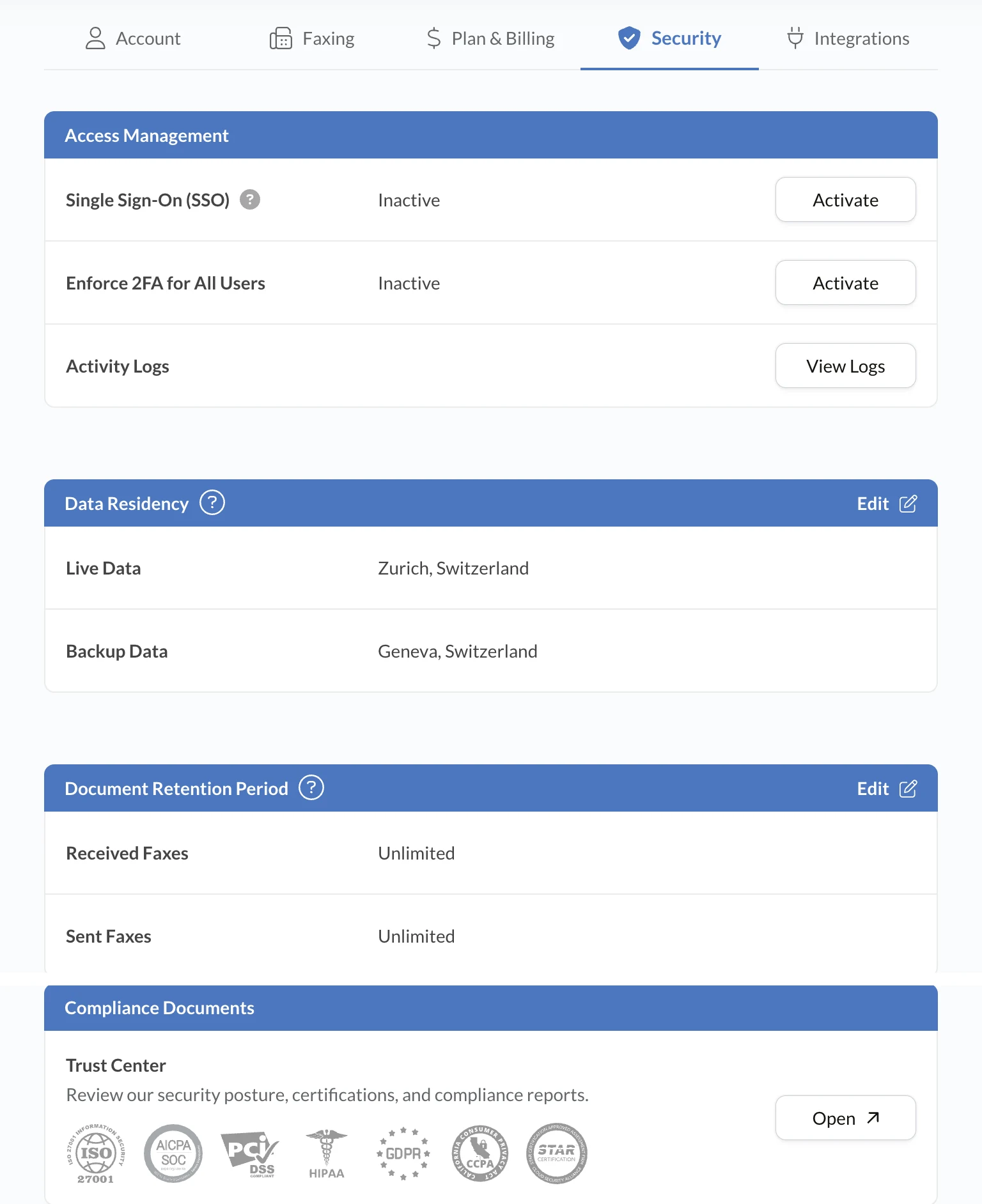
Alohi's Trust Center lists its ISO/IEC 27001:2022 certification, SOC 2 Type 2 report, and security testing resources. The certificate addresses information security management, while the SOC 2 report describes assessed controls. The SOC 2 report and penetration test summaries are available on request under NDA.
Use these resources to review the scope of the controls and how they fit your organization's requirements.
HIPAA workflows and email-to-fax
For healthcare teams handling protected health information, Fax.Plus supports HIPAA-compliant workflows on the Enterprise plan with a signed Business Associate Agreement (BAA) and Advanced Security Controls enabled.
For HIPAA email-to-fax, use [faxnumber]@tls.fax.plus, which enforces TLS for the email submission step. The standard @fax.plus address is intended for non-HIPAA use. Apply appropriate access controls to the sending mailbox as part of this setup.
Explore Fax.Plus Enterprise and review the Trust Center's setup guidance to configure the workflow for your team.
FAQs
Is fax more secure than email?

The security of either method depends on its configuration and how documents are handled. For a useful comparison, review encryption, account access, recipient verification, and storage. Fax.Plus provides encrypted app-to-server connections and encrypted file storage, while email protections vary by provider and setup. Choose the workflow whose controls meet your document and compliance requirements.
Where can I verify Fax.Plus security controls?
The Alohi Trust Center provides public information on encryption, staff access, security testing, and compliance. It also lists Alohi's ISO/IEC 27001:2022 certificate and SOC 2 Type 2 report. You can request access to the SOC 2 report and penetration test summaries under NDA to assess the documented controls against your organization's requirements.
How can I protect sensitive documents when faxing?
Verify the recipient's fax number, enable two-factor authentication, use a unique password, and limit access to documents and connected mailboxes. Check delivery records and arrange for the intended recipient to collect or access the fax securely. For protected health information, use Fax.Plus Enterprise with a signed BAA and Advanced Security Controls. HIPAA email-to-fax submissions use the dedicated @tls.fax.plus address.


Confédération Suisse
Confederazione Svizzera
Confederaziun Svizra
Swiss Confederation
Innosuisse - Swiss Innovation Agency