


Online fax for real estate professionals
Send property and mortgage documents from your computer, phone or email. Fax.Plus helps agents, brokers and closing teams exchange paperwork, keep an eligible office fax number and follow transmission status without maintaining a fax machine.
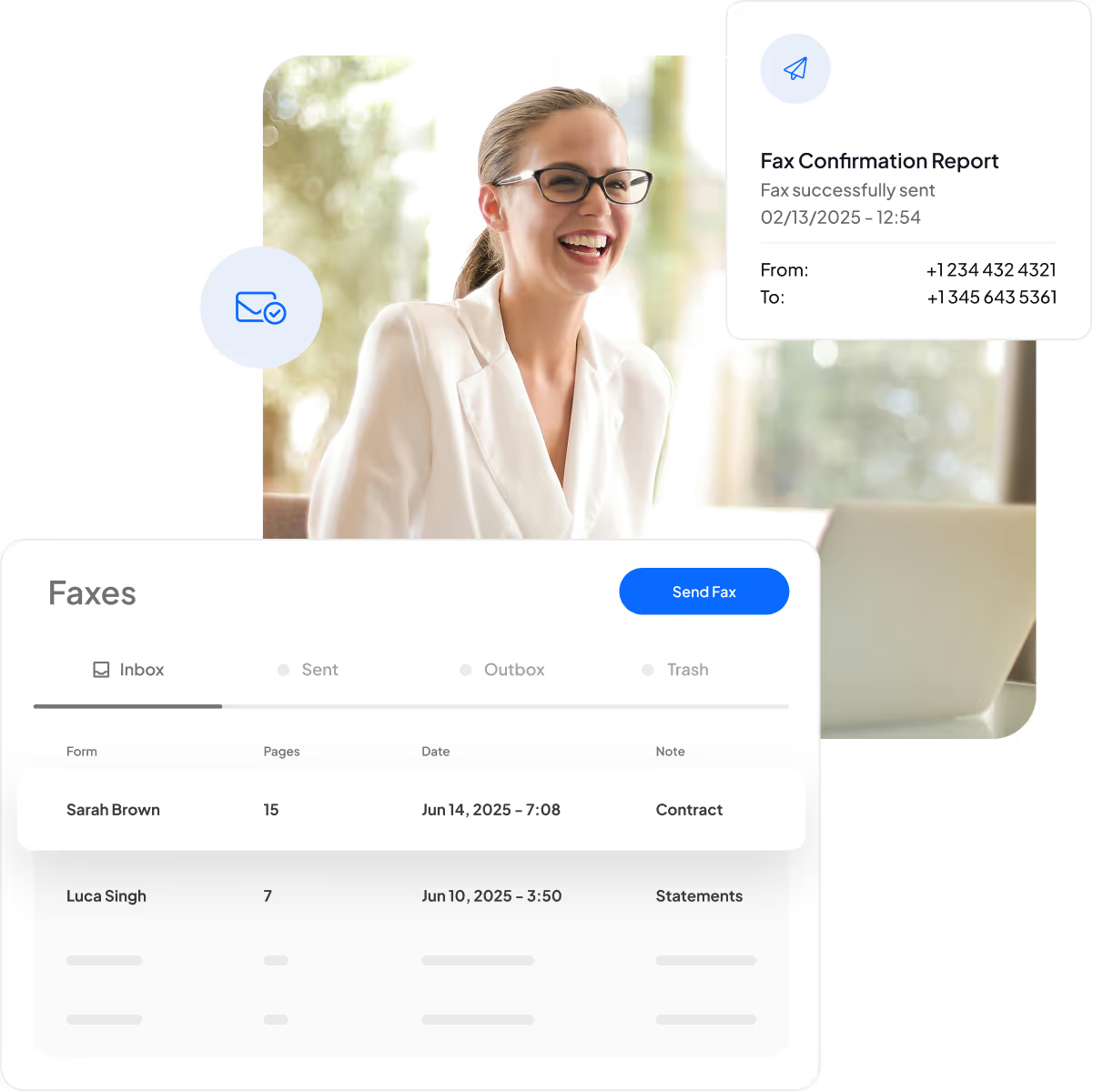
How to fax real estate documents online
Prepare the document
Add a saved document or scan paper pages with the mobile app. Include the pages requested by the recipient, such as a purchase agreement, disclosure or mortgage payoff request.
Send to the recipient
Enter the recipient’s fax number and send from the Fax.Plus web or mobile app. You can also use email-to-fax with a paid plan.
Check the transmission
Follow the fax status and keep the confirmation report with your transaction records. A successful status confirms receipt by the receiving fax equipment, rather than review by a person.
Why use Fax.Plus for real estate?

Protect stored documents
Stored fax documents are encrypted with AES-256, with unique encryption keys for each user. Keep property paperwork in your fax archive and use the account controls appropriate to your team.

Work beyond the office
Send and receive faxes through web and mobile applications, or use email with a paid plan. Incoming fax notifications help you follow document exchanges while working away from the office.

Keep an established number
Move an eligible existing fax number to Fax.Plus so clients and counterparties can continue using a familiar contact number. Porting availability and the required plan depend on the number’s country.

Replace fax hardware
Handle faxing online without maintaining a dedicated fax machine, paper supplies or a fax server. Choose a plan that matches your office’s page volume and the number of people who need access.

Retain transmission records
Save or print a confirmation report for a sent fax, including its status and a preview of the first page. Keep it with your records as evidence of the fax transmission.

Use familiar work tools
Connect faxing with supported Google, Microsoft, Slack and Zapier workflows, or use the Fax.Plus API. Choose the route that fits how your office already prepares and handles property documents.
Manage fax access across your real estate team
Business and Enterprise plans bring members and fax numbers into one corporate account. Give colleagues individual access, assign numbers and manage the account around your office’s responsibilities.

Invite team members
Give colleagues their own logins and invite the people who handle property documents. Manage their membership from your corporate account as responsibilities change.


Add office fax numbers
Add available local, toll-free or international numbers to your account and assign them to your team. Additional number charges and availability vary by country and number type.

Assign numbers to members
Assign several numbers to one colleague, or give several colleagues access to the same number. Organize fax responsibilities around the people handling each office or department’s documents.

Delegate account management
On Enterprise, the account owner can appoint additional administrators to manage members, numbers, payment methods and other account tasks. Share administration across your office or multi-office team.

Understand team fax usage
See monthly fax consumption and usage by member through the Enterprise analytics dashboard. Use that visibility to understand how fax activity is distributed across your team.

Access compliance settings
Use the Compliance dashboard to access the compliance options available to your account. Select the applicable controls and agreements that support your organization’s own document-handling requirements.

Label office fax numbers
Add friendly names to fax numbers so colleagues can identify the relevant office or department.

Set outbound caller IDs
Set a default caller ID for members without an assigned number, so their outgoing faxes use the selected sender number.

Control member page usage
Set monthly outbound fax quotas for team members to allocate sending capacity around your office’s needs.
FAQ
What do I need to receive faxes for my real estate office?

You need an active paid Fax.Plus plan, a fax number on the account and sufficient available pages. You can obtain an available number or port an eligible existing number. The Free plan does not receive faxes. Choose the plan and number setup that match your office’s expected sending and receiving volume.
Can I send property documents from my existing email address?
Yes. Email-to-fax is included on paid plans starting at Basic. Send from the verified email address associated with your Fax.Plus account, with your document attached and the recipient’s fax number addressed through the service.
What should I know before porting my office fax number?
Porting eligibility and the minimum plan depend on the number’s country. US and Canadian numbers require Premium or higher. Keep your existing provider account active until the transfer is complete. Check eligibility before making changes to your old service, especially if the fax number is part of a bundled phone account.
What should I do if a property document fails to fax?
Review the fax status and failure details, then confirm the recipient’s fax number and whether their equipment is available. Check the latest status before resending so you do not send a second copy of a fax that has already completed.
More help with real estate faxing
Set up your office, send documents through the right route and keep clear records as work moves between colleagues.
Plan your fax setup
Send your documents
Check your handoffs
Start faxing property documents.
Send and receive real estate paperwork from your computer or mobile. Create your account and choose the fax plan that fits your office.
Partner with us!


Confédération Suisse
Confederazione Svizzera
Confederaziun Svizra
Swiss Confederation
Innosuisse - Swiss Innovation Agency



