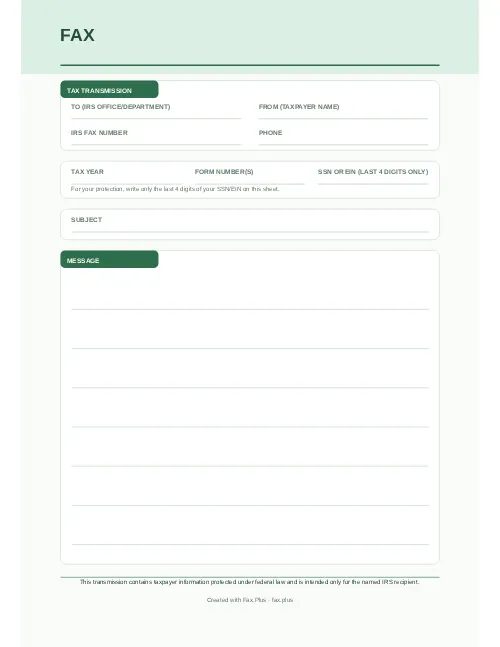
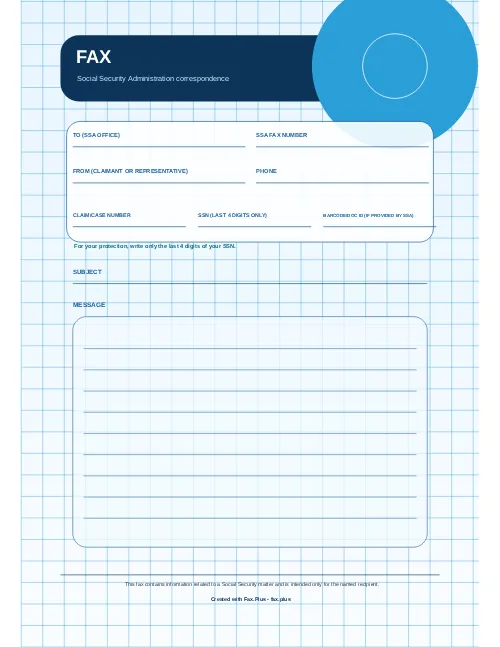
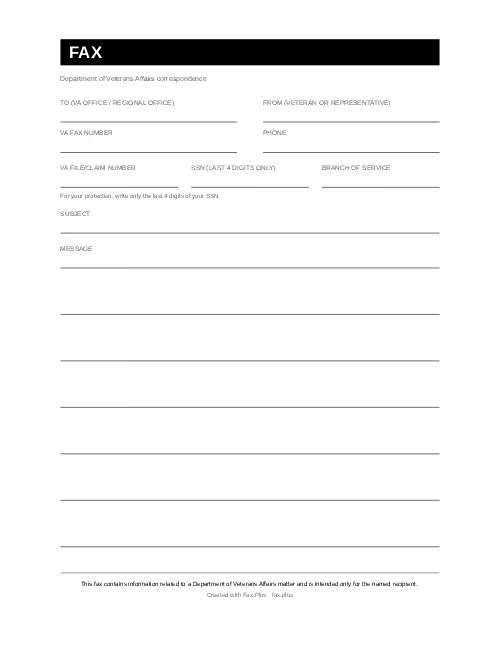
FAXCover sheet
Your name
Subject
--
Message
Your message will appear here.


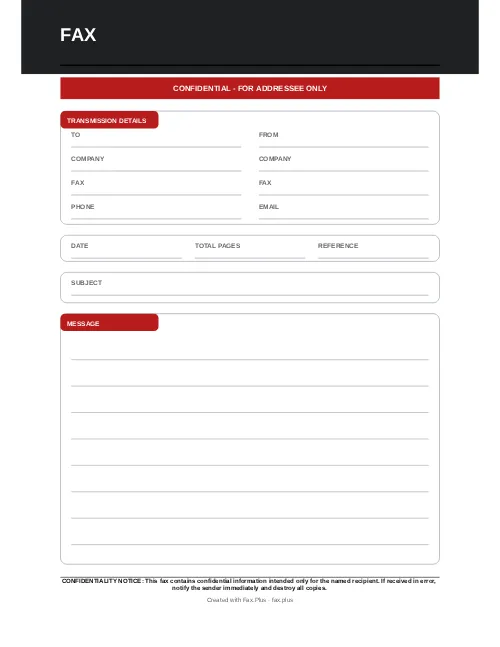
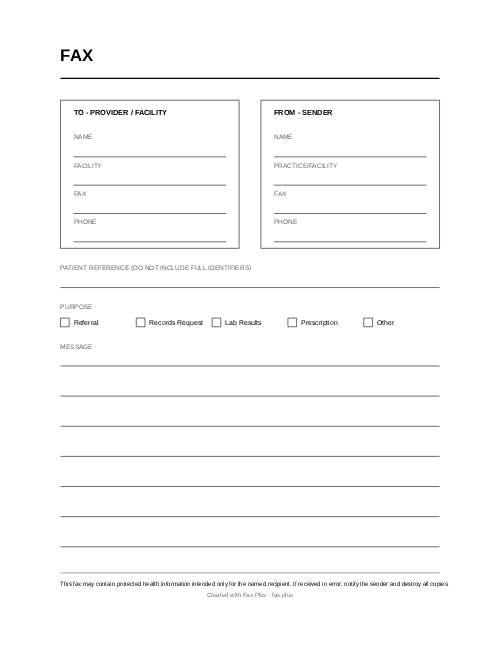
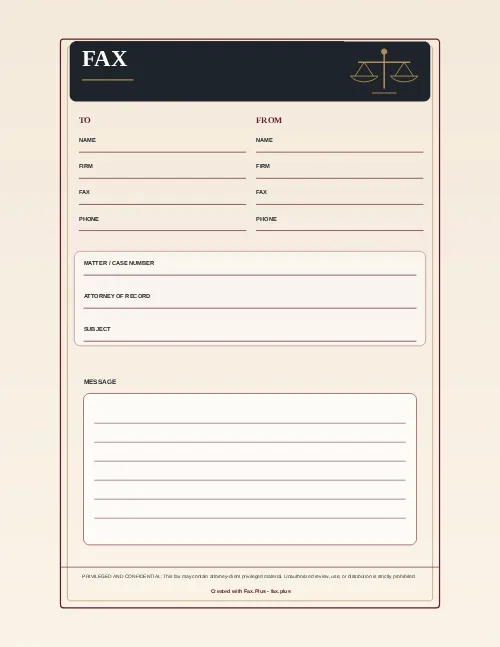
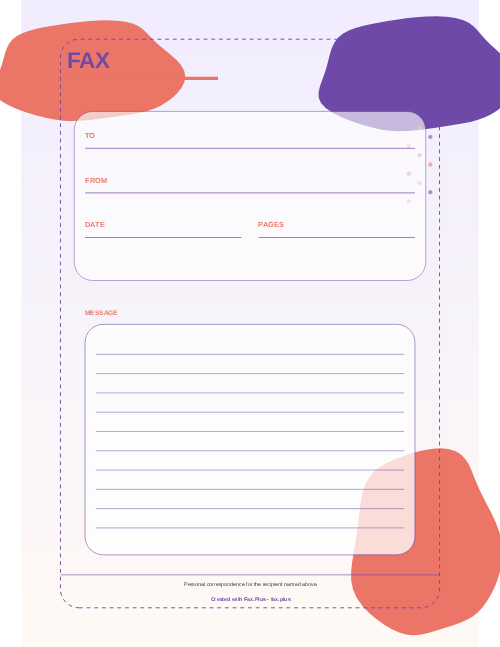
Use these fax cover sheet templates to ensure every transmission begins with a professional touch. Choose and download from our array of free professional templates (PDF and Word formats), or create your own as a default cover for outgoing faxes.

Create a professional fax cover sheet in seconds, right in your browser. Choose a sector, fill in sender and recipient details, add your logo, and export as PDF, PNG, or Word. No account required, no software to install.
Branding
Recipient
Sender
Details
Custom fields
Add anything the standard form doesn't cover, like an account number, claim ID, or order reference. Up to 3, shown on the sheet and in every export.Mark as
This tool runs entirely inside your browser using local processing. Sender and recipient details, your company name, fax numbers, and any logo you upload are never transmitted to Fax.Plus or any other server during cover sheet creation. The PDF, PNG, and Word files are built on your device and downloaded directly.
For healthcare professionals: case reference numbers and provider information stay on your device throughout. When you choose to send a fax through Fax.Plus, your transmission is protected by HIPAA-compliant infrastructure (ISO 27001 certified, SOC 2 Type II).
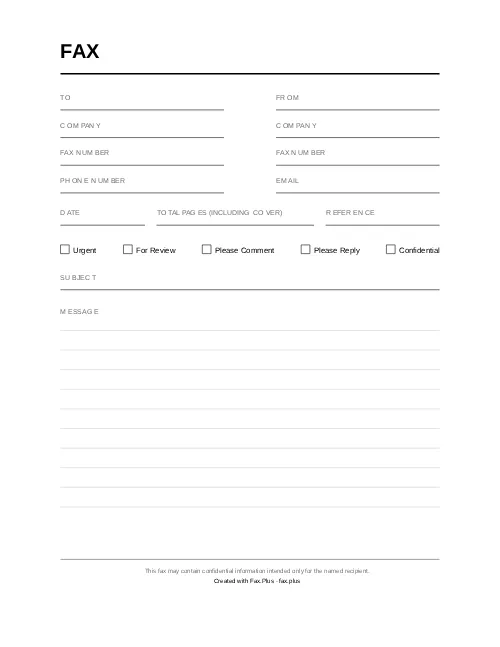
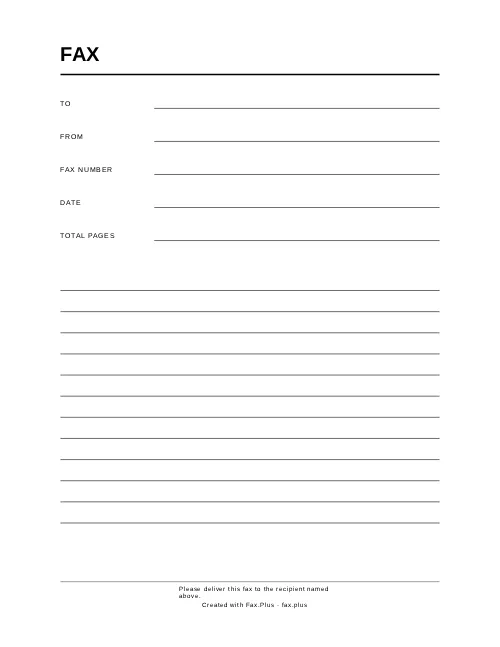
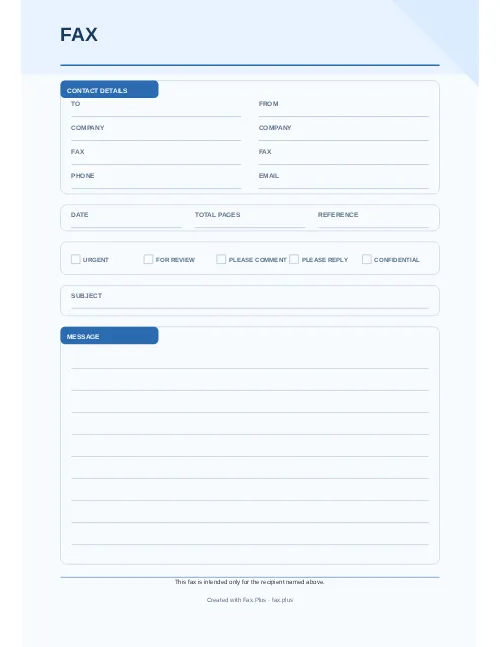
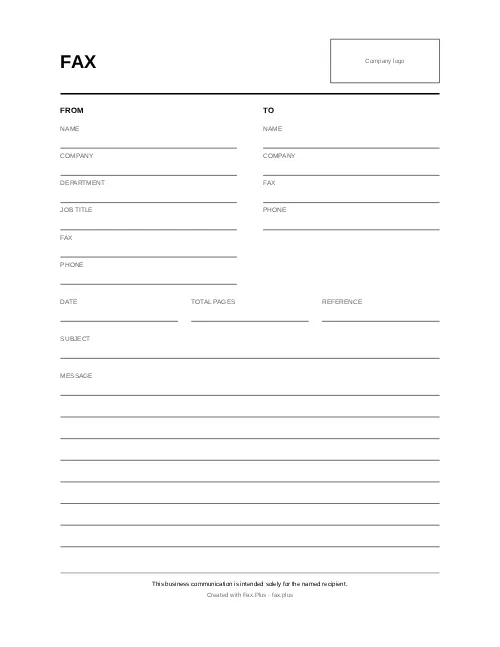
Simplify your faxing process with a free fax cover sheet template. Choose from a variety of modern designs, available in Word and PDF formats. These generic fax cover sheet templates are easy to customize and perfect for any business need. Download, edit, and send your fax with confidence.
Use the Cover Sheet Generator when uploading your document to send out a fax. Fill in the requested details including your company’s logo, and they will be automatically incorporated into a pre-formatted cover sheet template, which will be sent as the first page with your faxed documents.
A well-prepared fax cover page should include key details such as your full name, company name, and contact information (phone and email), along with the recipient's name, company, and fax number. Be sure to add the date, a clear subject line, and a brief message summarizing the content of your fax. For sensitive documents, including a confidentiality notice is also recommended. Whether you're using a free fax cover page from our service, a printable fax cover page, or a pdf fax cover page, these elements ensure that your fax is professional, clear, and easy to follow. Here is a list:
1. Sender Information: Name, Title, Fax Number, Phone Number.
2. Recipient Information: Name, Title, Fax Number, Phone Number.
3. Sender's Company Information: Logo, Address, Website, Email Address, Phone Number.
4. Fax Details: Transmission date, number of pages, classification (confidential, urgent, needs reply, etc.).
5. Brief description of transmitted document contents.
6. Optional note to recipient.
Choose our printable fax cover sheet in word or pdf versions if you need to make any edits before sending. You can also use our cover sheet generator to create your own cover sheet.

A fax cover sheet plays a crucial role when sending faxes online, ensuring the protection of your fax’s contents once delivered. It serves to identify the sender, the recipient, the subject, and can also offer a brief overview of the attached document’s contents. Beyond just safeguarding your message, fax cover sheets are versatile tools that can add clarity and detail about the recipient, enhancing the overall communication. Customize cover sheets with your branding or essential information to make your faxes stand out.
Using a fax cover sheet is a smart choice for organizing your faxes. It helps the recipient quickly understand the purpose of the document and ensures that important information is not missed. A fax cover sheet pdf is especially useful for businesses and individuals who want to maintain a clean and professional image. With Fax.Plus, you have access to a wide range of fax cover sheet template pdf options that are simple, effective, and free.
With Fax.Plus, you have a few options for adding cover sheets to your faxes:
1- Use the pre-formatted fax cover sheet template. This way, you need to add information about the recipient and an optional note, and the template will be generated automatically.
2- Use one of the available printable fax cover sheets. This way, you should download one of the available printable fax cover sheets, fill it out and add it to the list of documents to fax.
3- Use one of your own custom cover sheets. This way, you can make the required changes on your custom fax cover sheet, and then add it to the list of documents to fax.
Note: When adding your own custom cover sheet, make sure it is ordered as the first page for transmission.
Yes. The cover sheet is transmitted as the first page of your fax, ahead of your documents. When using your own custom cover sheet, make sure it is ordered as the first page for transmission.
Yes. When sending a fax, click Add Page and select Cover Sheet Gallery from the dropdown menu. You can pick a previously added cover sheet or upload a new file from your computer. Account admins can also upload shared cover sheets for their whole team, so every outgoing fax keeps a consistent look.
Now you know what a fax cover sheet is and how you can create, customize, or download them, you’ll likely want to know what to include and how to add them to your faxes. You can add a cover sheet when you send a fax from your computer, from Gmail, or online from any other supported device or platform.
How to fill out a fax cover sheet becomes an even more vital question when you’re dealing with healthcare information. A HIPAA-compliant fax cover sheet is designed to protect personal health information (PHI). So, as well as making clear on the cover page that the following fax is confidential, you may also wish to include a HIPAA disclaimer. That’s a short explanation that the following fax contains HIPAA-protected information and instructions to any recipient as to how to proceed and maintain compliance.
Fax.Plus tries to make it easy for you to learn how to fax online and to get the benefits of online faxing in your business. Using the right fax cover sheets is an easy way to boost the efficiency of your communications. Whether you choose to use our pre-formatted fax cover page, download a free fax cover sheet template, or make your own, the right alternative will help protect your faxes.
A fax cover letter is a brief document that accompanies your fax to provide essential details and context. To create a fax cover letter, start by including the sender’s and recipient’s contact information, the date, subject line, and a concise message about the fax’s purpose. For those looking for a free fax cover letter, Fax.Plus offers a printable fax cover letter template or even a pdf fax cover letter that you can customize, ensuring your fax is professional and easy to understand.
Your cover sheet is only the first page. These guides cover HIPAA requirements for sensitive documents, the ways to send your fax from any device, and how online faxing works from start to finish.
Create an account to save time and money by sending free faxes from a computer or mobile to anywhere in the world.