


Cloud Fax for Healthcare
Exchange referrals, lab reports, and patient records with cloud fax for healthcare. Give staff individual access, organize your fax numbers, and check transmission status from one account.
Explore Fax.Plus with a free account using non-sensitive test documents. Before handling PHI, choose Enterprise, enable Advanced Security Controls, and sign a BAA.
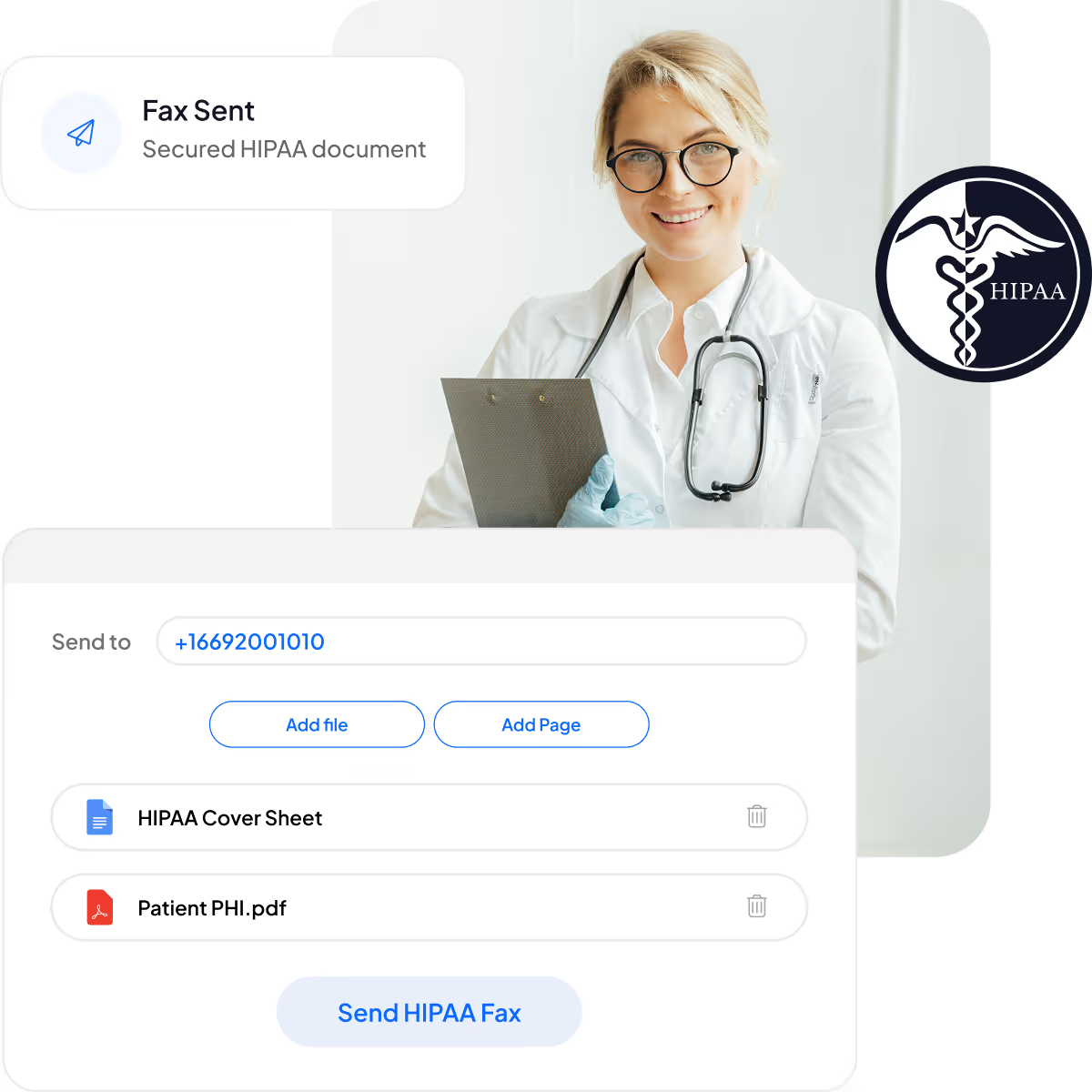






Healthcare fax solutions for everyday document exchange

HIPAA and PHIPA support

AI text and extraction

Always-on fax receiving

Print documents to fax

Plan for your fax usage

Manage your fax team
How healthcare faxing fits your team’s workflow
Set up access before exchanging patient information, then check each transmission and follow up with the receiving team when needed.

1. Prepare your account
2. Set up team access

3. Exchange your documents

4. Check and follow up
Cross-platform healthcare fax with the focus on security, HIPAA compliance, and ease of use

5M+
users trust Fax.Plus to grow their business

99.99%
consistent, reliable uptime across all Alohi services

Ease of use
Send and receive faxes on your computer or mobile device. Eligible accounts can also use the supported email workflows.


Security and compliance for healthcare teams
Review the controls, agreements, and data-location options relevant to your organization. HIPAA-protected faxing requires Enterprise, Advanced Security Controls, and a signed BAA; your team remains responsible for its own policies and handling of patient information.

HIPAA

PHIPA

ISO/IEC 27001

SOC 2

Data residency

PCI-DSS

GDPR

CCPA


Manage staff access and healthcare fax numbers
Give staff individual logins and manage fax numbers, permissions, and usage from one account. Organize access around your departments while keeping responsibility for incoming documents clear.


Build a fax workflow with the Fax.Plus API
Use the Fax.Plus API to build a custom sending and receiving workflow. Connecting an EHR or another application requires technical assessment, development, and the appropriate access. Print to Fax is a separate workflow, and API access does not establish native EHR compatibility.
With Advanced Security Controls enabled, the API remains available and Zapier is disabled. Review each integration’s compatibility before including it in a HIPAA-protected workflow.


FAQs
How quickly can I get set up?

Set up your account, invite your team, and configure access before exchanging patient information. For HIPAA-protected faxing, complete the Enterprise, Advanced Security Controls, and BAA requirements first. Transferring an existing number is a separate process with timing that depends on the number and provider.
Which Fax.Plus plan do healthcare teams need?
Healthcare teams handling HIPAA-protected information need Enterprise, Advanced Security Controls enabled, and a signed BAA. Free, Basic, Premium, and Business plans do not qualify for HIPAA-protected faxing. Assess your expected fax volume, number requirements, and account settings before choosing your setup.
Can I keep my existing healthcare fax number?
You can request to port an eligible existing fax number to Fax.Plus. Availability and timing depend on the number and current provider. Keep your current service active while the transfer is being arranged, and confirm the transition steps before cancelling it.
Is Fax.Plus HIPAA compliant?
Fax.Plus supports HIPAA-protected faxing on Enterprise when Advanced Security Controls are enabled and a BAA is signed before handling PHI. These requirements do not replace your organization’s responsibilities for staff access, recipient verification, document handling, and other applicable policies.
How does Fax.Plus protect stored faxes?
Stored fax documents are encrypted at rest using AES-256. Team accounts provide individual access and administrative controls to help manage who can use the service. Configure permissions and the required compliance settings for your organization before handling protected information.
Can healthcare staff receive fax attachments by email?
Eligible HIPAA/PHIPA accounts can enable email attachments after owner or admin consent and individual user activation. Each receiving mail server must support TLS 1.2 or above. If the TLS requirement is not met, no email is sent and the fax remains in the Fax.Plus archive. Your organization remains responsible for PHI in its mailbox after delivery.
Can I use Fax.Plus with my EHR?
Print to Fax can send documents from applications that support printing on Windows or macOS. A custom API connection is a separate development project that depends on your EHR’s interfaces and access. Neither workflow establishes that a native connector is available for your EHR. Review technical requirements before committing to an integration.
How can I check whether a healthcare fax was sent?
Check the fax’s transmission status and any reported errors in Fax.Plus. A successful transmission confirms delivery to the receiving fax endpoint; it does not confirm that a person read the document, matched it to a patient record, or accepted it. Follow up with the recipient when your workflow requires that confirmation.
Explore more healthcare fax guidance
Follow practical guides for referral handoffs, medical-record preparation, and the next steps in setting up your team’s fax workflow.
Clinical workflows

Document practices
Deployment choices
Explore cloud fax for your healthcare team
Discuss your team’s fax volume, existing numbers, and compliance requirements.
Schedule a demo to review how Fax.Plus can support your healthcare document workflow.
Partner with us!


Confédération Suisse
Confederazione Svizzera
Confederaziun Svizra
Swiss Confederation
Innosuisse - Swiss Innovation Agency



