


Fax from Your CRM with Fax.Plus


Fax.Plus CRM Integration

Automate and Simplify Workflows

Ensure HIPAA-Compliant Faxing

Enhanced Record-Keeping
Powerful Fax API for CRMs
Fax.Plus provides a robust yet simple-to-use fax API compatible with popular development platforms like JavaScript, Node.js, Ruby, Python, and Java. Easily authenticate using OAuth 2.0 or personal access tokens (PATs) and integrate comprehensive fax capabilities into your software.
Utilize our detailed API documentation to create customized fax solutions, leverage RESTful APIs, and integrate real-time notifications through Webhooks.
1const axios = require('axios');
2const OutboxApiFp = require('@alohi/faxplus-api').OutboxApiFp;
3const Configuration = require('@alohi/faxplus-api').Configuration;
4
5const config = new Configuration({
6    accessToken: accessToken,
7    basePath: 'https://restapi.fax.plus/v3',
8    // Header required only when using the OAuth2 token scheme
9    baseOptions: {
10        headers: {
11          "x-fax-clientid": clientId,
12        }
13    }
14});
15
16async function sendFax() {
17    const reqParams = {
18        "userId": '13d8z73c',
19        "payloadOutbox": {
20            "comment": {
21                "tags": [
22                    "tag1",
23                    "tag2"
24                ],
25                "text": "text comment"
26            },
27            "files": [
28                "filetosend.pdf"
29            ],
30            "from": "+12345667",
31            "options": {
32                "enhancement": true,
33                "retry": {
34                    "count": 2,
35                    "delay": 15
36                }
37            },
38            "send_time": "2000-01-01 01:02:03 +0000",
39            "to": [
40                "+12345688",
41                "+12345699"
42            ],
43            "return_ids": true
44        }
45    }
46    const req = await OutboxApiFp(config).sendFax(reqParams);
47    const resp = await req(axios);
48}
49
50sendFax()
from faxplus import ApiClient, OutboxApi, OutboxComment, RetryOptions, OutboxOptions, OutboxCoverPage, PayloadOutbox
from faxplus.configuration import Configuration
outbox_comment = OutboxComment(tags=['tag1', 'tag2'],
text='text comment')
retry_options = RetryOptions(count=2, delay=15)
outbox_options = OutboxOptions(enhancement=True, retry=retry_options)
outbox_cover_page = OutboxCoverPage()
payload_outbox = PayloadOutbox(from='+12345667',
to=['+12345688', '+12345699'],
files=['filetosend.pdf'],
comment=outbox_comment,
options=outbox_options,
send_time='2000-01-01 01:02:03 +0000',
return_ids=True,
cover_page=outbox_cover_page)
conf = Configuration()
conf.access_token = access_token
# header_name and header_value required only when using the OAuth2 token scheme
api_client = ApiClient(header_name='x-fax-clientid', header_value=client_id, configuration=conf)
api = OutboxApi(api_client)
resp = api.send_fax(
user_id='13d8z73c',
body=payload_outbox
)<?php
require 'vendor/autoload.php';
$headers = array(
'Accept' => 'application/json',
'Authorization' => 'Bearer {access-token}',
// The x-fax-clientid header is required only when using the OAuth2 token scheme
'x-fax-clientid' => '{client ID}',
);
$client = new GuzzleHttp\Client();
// Define array of request body.
$request_body = ...; // See request body example
try {
$response = $client->request('POST','https://restapi.fax.plus/v3/accounts/{user_id}/outbox', array(
'headers' => $headers,
'json' => $request_body,
)
);
print_r($response->getBody()->getContents());
}
catch (GuzzleHttp\Exception\BadResponseException $e) {
// handle exception or api errors.
print_r($e->getMessage());
}
// ...package main
import (
"bytes"
"net/http"
)
func main() {
headers := map[string][]string{
// The x-fax-clientid header is required only when using the OAuth2 token scheme
"Content-Type": []string{"application/json"},
"Accept": []string{"application/json"},
"Authorization": []string{"Bearer {access-token}"},
"x-fax-clientid": []string{"YOUR CLIENT_ID"}
}
data := bytes.NewBuffer([]byte{jsonReq})
req, err := http.NewRequest("POST", "https://restapi.fax.plus/v3/accounts/{user_id}/outbox", data)
req.Header = headers
client := &http.Client{}
resp, err := client.Do(req)
// ...
}CRM Fax Integrations with Zapier, API & More

Salesforce Fax Integration Coming Soon

HubSpot Fax Integration Coming Soon

Zoho CRM Fax Integration

Pipedrive Fax Integration

Microsoft Dynamics Fax
Integrate via Zapier for More Options
You can also connect Fax.Plus to hundreds of other applications through Zapier, enabling even greater automation and flexibility in your faxing workflows.

Without code

Custom flows

Connect apps

Stays synced
FAQ
Can I send and receive faxes directly from my CRM?

Yes. Fax.Plus lets you send and receive faxes from inside your CRM, so your team never leaves the platform. Sent and received faxes can be logged back into the CRM for accurate tracking and record-keeping.
Which CRMs does Fax.Plus integrate with?
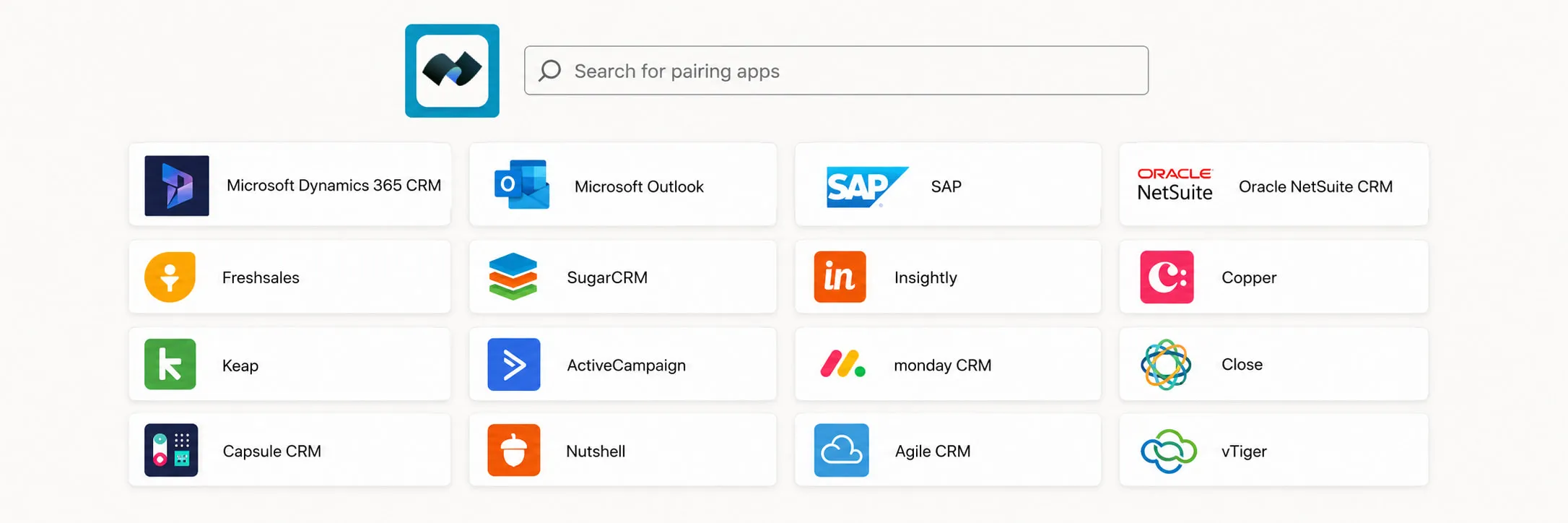
Fax.Plus works with Zoho CRM, Pipedrive, Microsoft Dynamics, and thousands of other apps through Zapier. Native integrations with Salesforce and HubSpot are coming soon.
How do I connect Fax.Plus to my CRM?
There are two paths. For a no-code setup, use the Zapier integration to link Fax.Plus to your CRM and build automated faxing workflows in minutes. For deeper or fully customized connections, use the Fax.Plus API.
Does Fax.Plus offer a fax API for custom CRM integrations?
Yes. The Fax.Plus REST API supports JavaScript, Node.js, Ruby, Python, and Java, with OAuth 2.0 or personal access token (PAT) authentication and real-time Webhook notifications. Full documentation is available at apidoc.fax.plus.
Can I automate faxes based on CRM events or triggers?
Yes. You can trigger faxes automatically from CRM events, for example sending a confirmation or follow-up fax when a contact or patient record is updated, and log incoming faxes as CRM activities to streamline your workflow.
Is faxing from a CRM HIPAA compliant?
Yes. Fax.Plus is HIPAA compliant, so you can send protected health information (PHI) such as patient referrals, lab results, and medical records directly from your CRM. A Business Associate Agreement (BAA) is available for healthcare organizations.
Do I need a specific plan to use Fax.Plus with my CRM?
Yes. CRM integration through the Fax.Plus API or Zapier is available on the Enterprise plan, which also includes HIPAA compliance with a signed BAA, SSO, and data residency. You can review what each plan covers on the Fax.Plus pricing page.
Explore more ways to fax
Fax.Plus connects to the apps your team already runs on, plugs into your own systems through our API and Zapier, and keeps every document secure for regulated workflows.

Connect and automate
For regulated teams
Discover everything you can do with Fax.Plus
Want to see how our cutting-edge faxing solution can help your business?
Schedule a demo and one of our representatives will contact you for a customized demonstration.
Partner with us!




Confédération Suisse
Confederazione Svizzera
Confederaziun Svizra
Swiss Confederation
Innosuisse - Swiss Innovation Agency


