


Fax from Your CRM with Fax.Plus


Fax.Plus CRM集成

自动化和简化工作流程

确保符合 HIPAA 标准的传真

增强的记录保存
适用于 CRM 的强大传真 API
Fax.Plus提供强大而易于使用的传真API,与JavaScript、Node.js、Ruby、Python和Java等流行的开发平台兼容。使用OAuth 2.0或个人访问令牌 (PAT) 轻松进行身份验证,并将全面的传真功能集成到您的软件中。
利用我们详细的API文档创建自定义传真解决方案,利用RESTful API,并通过Webhooks集成实时通知。
1const axios = require('axios');
2const OutboxApiFp = require('@alohi/faxplus-api').OutboxApiFp;
3const Configuration = require('@alohi/faxplus-api').Configuration;
4
5const config = new Configuration({
6    accessToken: accessToken,
7    basePath: 'https://restapi.fax.plus/v3',
8    // Header required only when using the OAuth2 token scheme
9    baseOptions: {
10        headers: {
11          "x-fax-clientid": clientId,
12        }
13    }
14});
15
16async function sendFax() {
17    const reqParams = {
18        "userId": '13d8z73c',
19        "payloadOutbox": {
20            "comment": {
21                "tags": [
22                    "tag1",
23                    "tag2"
24                ],
25                "text": "text comment"
26            },
27            "files": [
28                "filetosend.pdf"
29            ],
30            "from": "+12345667",
31            "options": {
32                "enhancement": true,
33                "retry": {
34                    "count": 2,
35                    "delay": 15
36                }
37            },
38            "send_time": "2000-01-01 01:02:03 +0000",
39            "to": [
40                "+12345688",
41                "+12345699"
42            ],
43            "return_ids": true
44        }
45    }
46    const req = await OutboxApiFp(config).sendFax(reqParams);
47    const resp = await req(axios);
48}
49
50sendFax()
from faxplus import ApiClient, OutboxApi, OutboxComment, RetryOptions, OutboxOptions, OutboxCoverPage, PayloadOutbox从faxplus.configuration导入Configuration
outbox_comment = OutboxComment(tags=[ 'tag1' , 'tag2' ], text= '文本评论' )
retry_options = RetryOptions(count= 2 , delay= 15 )
outbox_options = OutboxOptions(enhancement= True , retry=retry_options)
outbox_cover_page = OutboxCoverPage()
payload_outbox = PayloadOutbox( from = '+12345667' , to=[ '+12345688' , '+12345699' ], files=[ 'filetosend.pdf' ], comment=outbox_comment, options=outbox_options, send_time= '2000-01-01 01:02:03 +0000' , return_ids= True , cover_page=outbox_cover_page)
conf = Configuration() conf.access_token = access_token # 仅在使用 OAuth2 令牌方案时才需要 header_name 和 header_value
api_client = ApiClient(header_name= 'x-fax-clientid' , header_value=client_id, configuration=conf) api = OutboxApi(api_client) resp = api.send_fax( user_id= '13d8z73c' , body=payload_outbox )<?php
require 'vendor/autoload.php';
$headers = array(
'Accept' => 'application/json',
'Authorization' => 'Bearer {access-token}',
// The x-fax-clientid header is required only when using the OAuth2 token scheme
'x-fax-clientid' => '{client ID}',
);
$client = new GuzzleHttp\Client();
// Define array of request body.
$request_body = ...; // See request body example
try {
$response = $client->request('POST','https://restapi.fax.plus/v3/accounts/{user_id}/outbox', array(
'headers' => $headers,
'json' => $request_body,
)
);
print_r($response->getBody()->getContents());
}
catch (GuzzleHttp\Exception\BadResponseException $e) {
// handle exception or api errors.
print_r($e->getMessage());
}
// ...package main
import (
"bytes"
"net/http"
)
func main() {
headers := map[string][]string{
// The x-fax-clientid header is required only when using the OAuth2 token scheme
"Content-Type": []string{"application/json"},
"Accept": []string{"application/json"},
"Authorization": []string{"Bearer {access-token}"},
"x-fax-clientid": []string{"YOUR CLIENT_ID"}
}
data := bytes.NewBuffer([]byte{jsonReq})
req, err := http.NewRequest("POST", "https://restapi.fax.plus/v3/accounts/{user_id}/outbox", data)
req.Header = headers
client := &http.Client{}
resp, err := client.Do(req)
// ...
}CRM Fax Integrations with Zapier, API & More

Salesforce Fax Integration Coming Soon

HubSpot Fax Integration Coming Soon

Zoho CRM 传真集成

Pipedrive 传真集成

Microsoft Dynamics 传真
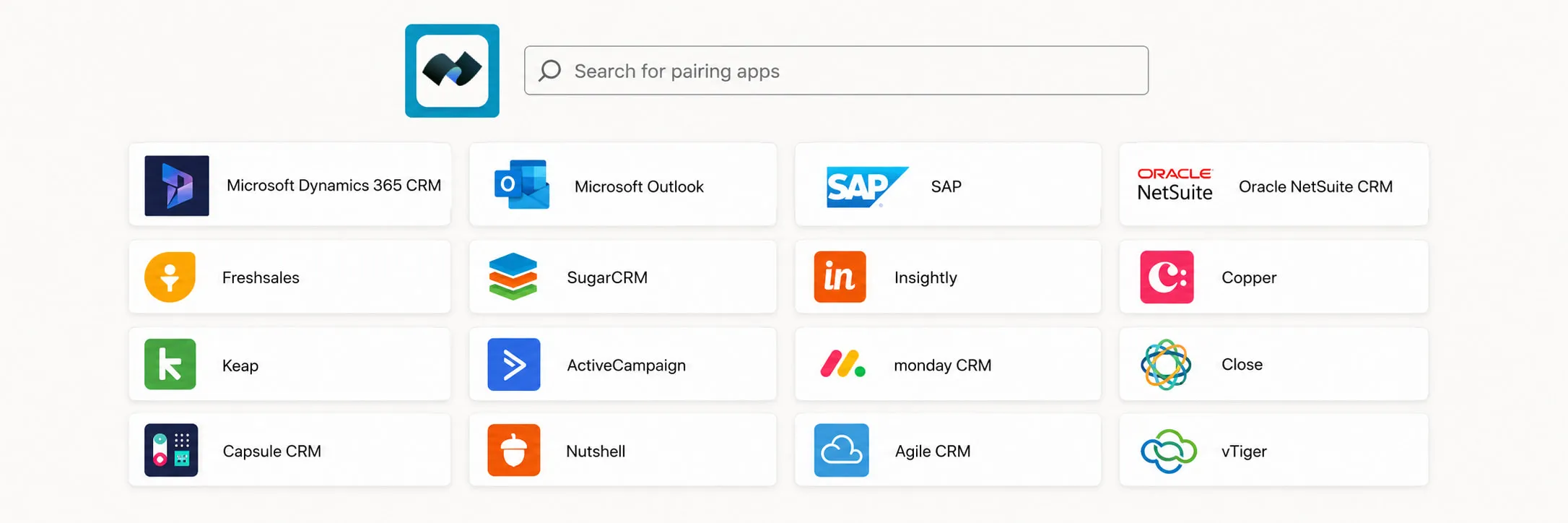
通过 Zapier 集成以获得更多选项
您还可以通过Zapier将Fax.Plus连接到数百个其他应用程序,从而在传真工作流程中实现更大的自动化和灵活性。

无需代码

自定义流程

连接应用

保持同步
常问问题
我可以直接从我的客户关系管理系统(CRM)发送和接收传真吗?

是的。 Fax.Plus 允许您在 CRM 系统内收发传真,因此您的团队无需离开平台。收发的传真信息可以记录回 CRM 系统,以便进行准确的跟踪和记录保存。
哪些CRM系统Fax.Plus 与什么集成?
Fax.Plus works with Zoho CRM, Pipedrive, Microsoft Dynamics, and thousands of other apps through Zapier. Native integrations with Salesforce and HubSpot are coming soon.
我该如何连接Fax.Plus 导入到我的客户关系管理系统?
有两种方法。对于无需编写代码的设置,请使用 Zapier 集成进行连接。 Fax.Plus 将其连接到您的 CRM 系统,并在几分钟内构建自动化传真工作流程。如需更深入或完全自定义的连接,请使用Fax.Plus API。
做Fax.Plus 是否提供传真 API 以用于自定义 CRM 集成?
是的。 Fax.Plus REST API 支持 JavaScript、Node.js、Ruby、Python 和 Java,采用 OAuth 2.0 或个人访问令牌 (PAT) 进行身份验证,并提供实时 Webhook 通知。完整文档请访问 apidoc.fax.plus。
我可以根据 CRM 事件或触发器自动发送传真吗?
是的。您可以从 CRM 事件中自动触发传真,例如,当联系人或患者记录更新时发送确认传真或后续传真,并将收到的传真记录为 CRM 活动,以简化您的工作流程。
从客户关系管理系统 (CRM) 发送传真是否符合 HIPAA 标准?
是的。 Fax.Plus 符合 HIPAA 标准,因此您可以直接从 CRM 发送受保护的健康信息 (PHI),例如患者转诊、化验结果和医疗记录。 Business 医疗机构可签订合作协议(BAA)。
我需要制定一个具体的使用计划吗? Fax.Plus 用我的客户关系管理系统吗?
是的。通过 CRM 集成Fax.Plus API 或 Zapier 可通过以下方式使用: Enterprise 该计划还包括 HIPAA 合规性(需签署 BAA)、单点登录 (SSO) 和数据驻留。您可以查看每个计划的具体内容。 Fax.Plus 定价页面。
探索更多传真方式
Fax.Plus 它能连接到您团队已经运行的应用程序,通过我们的 API 和 Zapier 接入您自己的系统,并确保每个文档在受监管的工作流程中安全无虞。

了解您可以使用 Fax.Plus 做的所有事情
想了解我们先进的传真解决方案如何帮助您的Business吗?
安排演示,我们的代表将与您联系,为您提供定制演示。
与我们合作!




Confédération Suisse
Confederazione Svizzera
Confederaziun Svizra
Swiss Confederation
Innosuisse - 瑞士创新机构


