


Secure Enterprise Fax Built to Scale
Centralize faxing across your organization with 4,000 pages per month, unlimited members, enterprise identity controls, Alohi AI, and 40+ data residency locations.



Modernize Fax Infrastructure Without Losing Control
Get a Fax Number or Port Your Own
Get a local, toll-free, or international fax number to receive faxes online. If your existing number is eligible, port it to Fax.Plus so your contacts can keep using the same number.


Choose from 40+ Data Residency Locations
Select where fax data is stored to support regional requirements, internal policies, and regulated workflows across your organization.
Connect SSO and Automate Provisioning
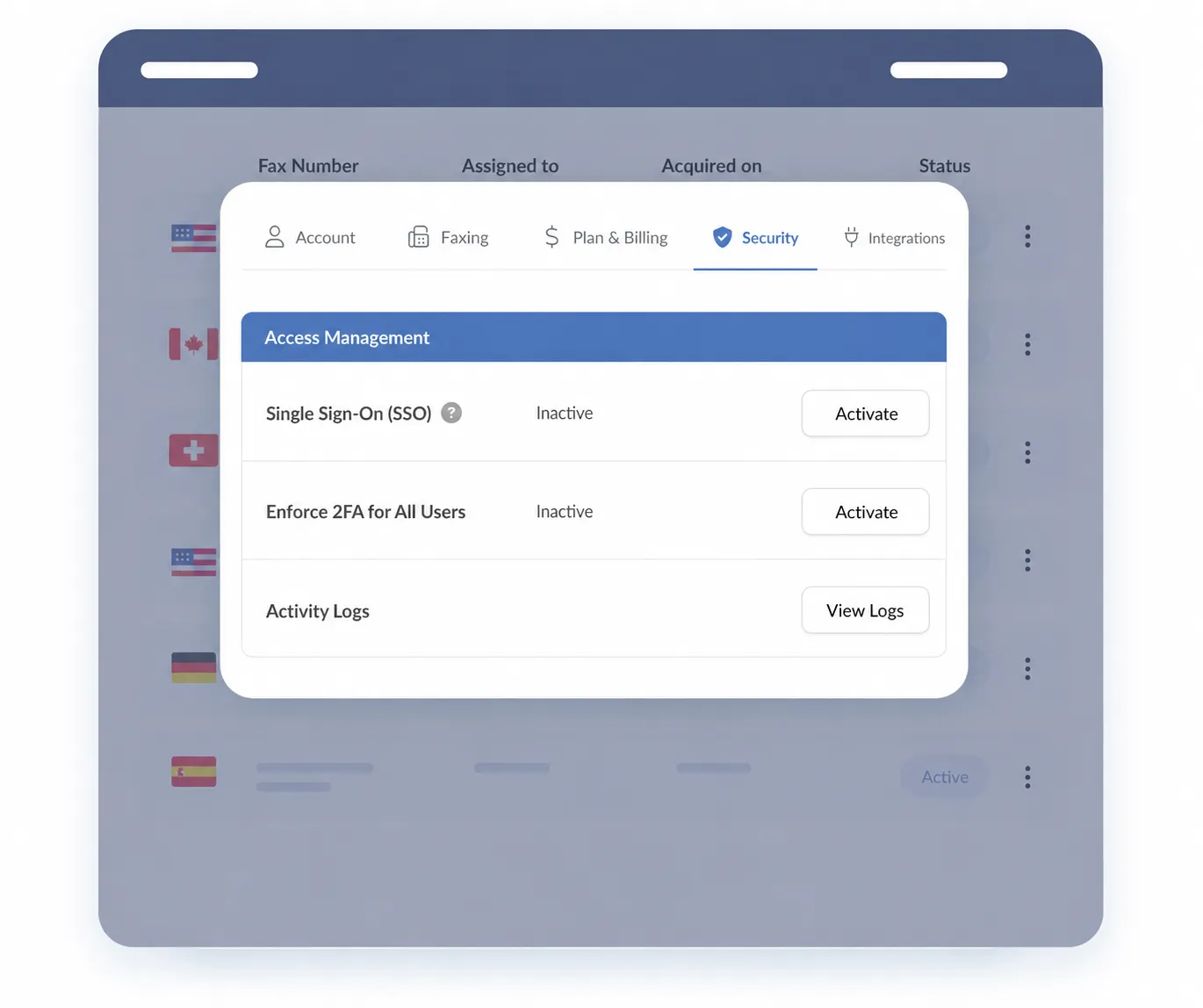
Use SAML SSO with supported identity providers, automate user onboarding and offboarding through Okta with SCIM, and require 2FA for every team member.
Scale High-Volume Fax Operations
Handle 4,000 included pages per month with unlimited members. Pages and fax numbers beyond the plan's included allowances are charged separately.

Plan your enterprise fax rollout

Review numbers and volume

Configure access and controls

Test workflows before rollout
Enterprise Security and Access Controls, Built In
Protect stored fax documents with AES-256 encryption, control access with SSO and enforced 2FA, and choose where fax data is stored. TLS protects connections from Fax.Plus mobile and web apps and API clients to Alohi servers. HIPAA/PHIPA email attachments are controlled separately through owner/admin consent and individual activation, with TLS 1.2 or above required at the receiving mail server.



Turn Faxes Into Actionable Data with AI
Fax.Plus AI helps Enterprise teams turn faxed documents into usable information without manual retyping. Run AI on demand from the document viewer, or let admins enable auto-run on inbound faxes. Enterprise includes 1,000 AI credits per month.

AI text transcript

AI data extraction
Centralized Administration for Every Team and Location
Manage unlimited members, roles, numbers, usage, analytics, and access policies from one admin panel, with multiple administrators and automated user lifecycle management.


Enterprise fax solutions tailored to your requirements


Integrate Fax.Plus with your existing workflow
Use Fax.Plus through desktop and mobile apps, email, Google and Microsoft tools, or compatible multi-function printers. Connect supported apps through native integrations, automate workflows with Zapier, or build a fax workflow with the programmable API.


.svg)


FAQs
How quickly can I get set up?

You can create an account and configure your team before moving an existing number. Enterprise deployment time also includes your identity setup, security review and workflow testing. Number porting usually takes 2 to 4 weeks, depending mainly on your current provider. Keep the existing line active until the transfer is complete.
How are shared fax numbers counted against usage?
Incoming fax pages are counted for each member assigned to receive them. For example, a one-page fax delivered to five assigned members uses five pages of your allowance. Unlimited members does not mean unlimited pages. Plan your number assignments and expected shared-number traffic when sizing your account.
Is Fax.Plus HIPAA compliant?
HIPAA-compliant faxing requires the Enterprise plan, a signed Business Associate Agreement (BAA) and advanced security controls. Buying the plan alone does not complete the setup. Your organization must also configure access and workflows appropriately. PHIPA workflows require Enterprise, a signed Service Provider Agreement (SPA) and advanced security controls. Email attachments have separate organization and user activation requirements.
Is Fax.Plus secure?
Fax.Plus protects connections from its apps and API clients to Alohi servers with TLS. That does not provide end-to-end encryption to an external fax machine. Stored fax documents are encrypted with AES-256. Assess the complete workflow, including who can access fax records and how your own systems handle downloaded documents.
Can our IT team review security documentation before rollout?
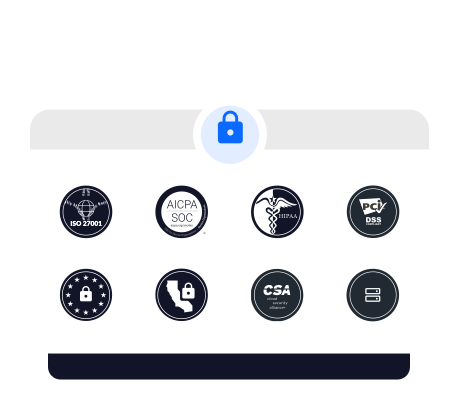
Yes. Alohi's Trust Center provides documentation for vendor review, including the SOC 2 Type 2 report and ISO/IEC 27001 certificate. Some reports are available under NDA. Review your storage, retention and access requirements during the evaluation, and confirm the contractual terms your organization needs before rollout.
Explore your enterprise fax options
Compare approaches, equip your teams, and review the safeguards for regulated fax workflows.
Plan your rollout

Equip your people
Protect workflows
See enterprise fax in action.
Review your fax volume, number requirements and existing workflows with our team. Schedule a demonstration focused on your enterprise fax deployment.


Confédération Suisse
Confederazione Svizzera
Confederaziun Svizra
Swiss Confederation
Innosuisse - Swiss Innovation Agency



