


Online Fax for Schools, Districts and Universities
Bring school faxing online with Fax.Plus. Send and receive documents from your browser, manage numbers for schools or departments, and give authorized staff the access they need. Review the student-record setup below before you begin.

Set up FERPA coverage for student records
Use an Enterprise account with Advanced Security Controls enabled and a signed Alohi FERPA Addendum covering each account you will use. Ask your Enterprise administrator to request the addendum through Alohi Support before sending student records.
Online fax for schools, districts and universities

Protect stored documents
Protect stored fax documents with 256-bit AES encryption and a unique key for each user, alongside the staff-access controls your institution chooses.

Use familiar office tools
Fax from the web app, or use supported email and printer workflows. Check availability and configuration with Advanced Security Controls for your chosen route.

Handle school paperwork
Send and receive school paperwork through authorized accounts. Confirm the recipient, review the transmission result and make received documents available to staff assigned to that number.

Plan your fax spending
Plan around your school’s numbers, staff and fax volume. Include incoming copies, additional numbers and overages when comparing the total cost with your current setup.

Choose document storage
Enterprise admins can choose storage locations for live documents and backups, with processing exceptions. Select the available regions that fit your institution’s requirements.

Organize school numbers
Give schools or departments separate fax numbers, or share assignments among authorized staff. Check porting eligibility if you need to keep an existing number.
How school teams fax with Fax.Plus
Confirm the school setup
Choose the receiving numbers and authorized staff for your school or department. Use the approved account configuration for the documents you handle.
Send from an authorized account
Open the web app, add your document and check the recipient’s full fax number. Review the pages before sending, then check the transmission result.
Receive and review documents
Open incoming faxes through an assigned account. Check readability and page completeness, then handle the document through your school’s approved records process.
Manage fax access across school offices
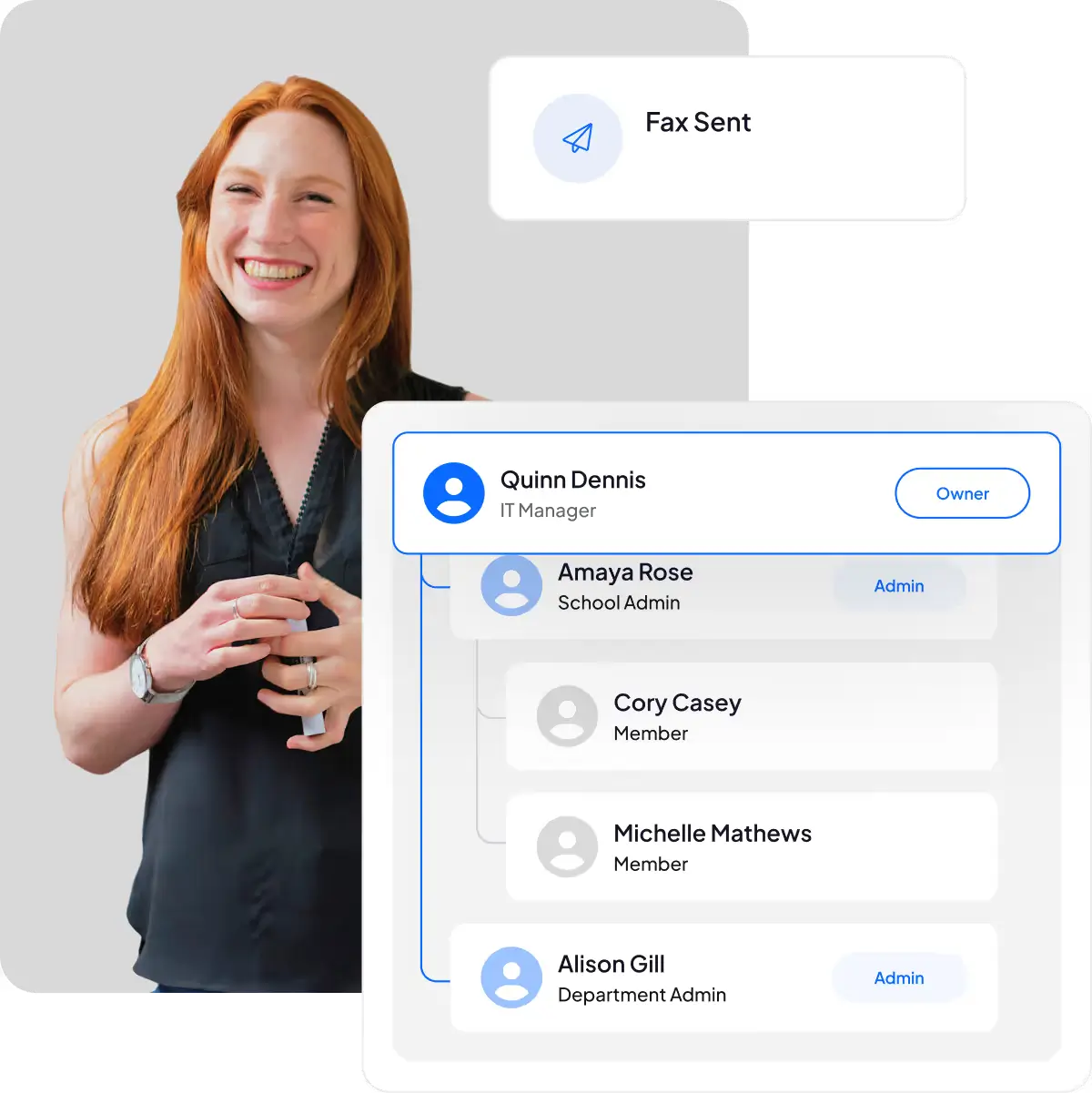
Manage users, numbers and usage from one account. Configure access around the staff who handle each school’s faxes, and separate day-to-day document access from account administration.

Invite authorized staff
Invite the school staff who need fax access and assign their roles. Team features and included users depend on your plan.


Add department numbers
Add receiving numbers for schools or departments and assign the right staff. Included numbers and additional charges depend on your account’s configuration.

Assign school numbers
Assign several numbers to one member or share a number with authorized colleagues. Each recipient’s incoming copy counts separately toward pages or credits.

Separate admin duties
Give authorized colleagues Enterprise Admin roles to manage the account. Account administration and access to fax documents remain separate permissions.

Review team fax usage
Review monthly consumption and member usage to understand school fax activity. Combine those figures with receiving assignments and page allowances when planning cost and capacity.

Review account controls
Review account settings and agreements for your school’s workflow. Keep the required controls enabled for covered student-record accounts and follow your institution’s disclosure procedures.

Label school fax lines
Label each number with a recognizable Friendly Name, such as a school or department. Number labels and receiving assignments remain separate.

Set outgoing caller ID
Set the outgoing caller ID for members who send without an assigned number. Incoming access continues to follow each number’s receiving assignments.

Set member send limits
Set monthly outbound fax limits for team members and monitor overall usage. These limits control sending, while incoming copies count separately.
School fax questions
What is a school fax?

A school fax is a document sent or received through a school’s fax number. Schools use fax to exchange paperwork with other institutions and organizations that accept it. An online fax service lets authorized staff handle those documents without relying on a shared fax machine.
What is a fax number for a school?
It is the number used to reach the school’s fax service or fax machine. Different offices may have separate numbers. If you need to send a document to a school, confirm the number and accepted submission route with that school’s official office before sending.
How should a district estimate its fax costs?
Include the required numbers, users, sending and receiving volume, additional-number charges and overages. Account for each copy delivered through a shared number. Compare the complete configuration your school needs, rather than a page allowance alone.
Do school staff need a fax machine or telephone line?
Staff can send and receive through the Fax.Plus web app using an internet connection and the appropriate account and number assignments. A school using an existing printer workflow should check that device’s supported features and account configuration separately.
Which Fax.Plus setup is required for student records?
Use Enterprise with Advanced Security Controls enabled and a signed Alohi FERPA Addendum covering the accounts involved. Complete those requirements before sending student records. Your institution remains responsible for its authorized disclosure and records-handling procedures.
Does HIPAA coverage replace the FERPA requirements?
No. A HIPAA BAA does not replace the Alohi FERPA Addendum or its required account configuration. Have the responsible school team assess the requirements for the particular records and activity; do not assume that one agreement covers every school workflow.
Can a school keep its existing fax number?
An eligible number can be ported to Fax.Plus. Confirm eligibility and the transfer arrangements before changing the current service, and keep that service active until completion is confirmed. The timing and requirements depend on the number and provider.
Can several staff members receive faxes on one school number?
Yes. A receiving number can be assigned to multiple authorized team members. Each person receives their own incoming copy, and each copy counts toward the account’s pages or credits. Assign access according to the office workflow and the documents each person is permitted to handle.
Can our school use Google Workspace, email or an MFP?
Check the exact route and device with your administrator before deployment. Advanced Security Controls change some integration behavior, including attachment delivery and third-party access. The web app remains available; do not assume every ordinary email, add-on or printer setup is available for a student-record account.
Explore school fax workflows
Compare school requirements, review office fax methods and plan number continuity. Check the conditions for your account before adopting a workflow.
School decisions
Office workflows
District rollout
Bring school faxing online.
Manage school numbers and authorized staff with Fax.Plus. Choose the numbers, access and workflow your institution needs.
Partner with us!


Confédération Suisse
Confederazione Svizzera
Confederaziun Svizra
Swiss Confederation
Innosuisse - Swiss Innovation Agency


